
Cloud Migration Services
Cloud Migration in Fort Lauderdale, FL
Find out what can leave the server closet, and what should stay.
Cloud Migration for Fort Lauderdale Offices
Cloud migration in Fort Lauderdale moves your office email, shared files and business software from an on-site server to a hosted service such as Microsoft 365 or Google Workspace. The move is planned in stages and cut over after hours. Quotes are custom and based on your mailbox count.
There is a server in a closet somewhere in your office. It hums, it is warm, and at least one person is afraid to touch it. Everything the business has ever saved lives on it.
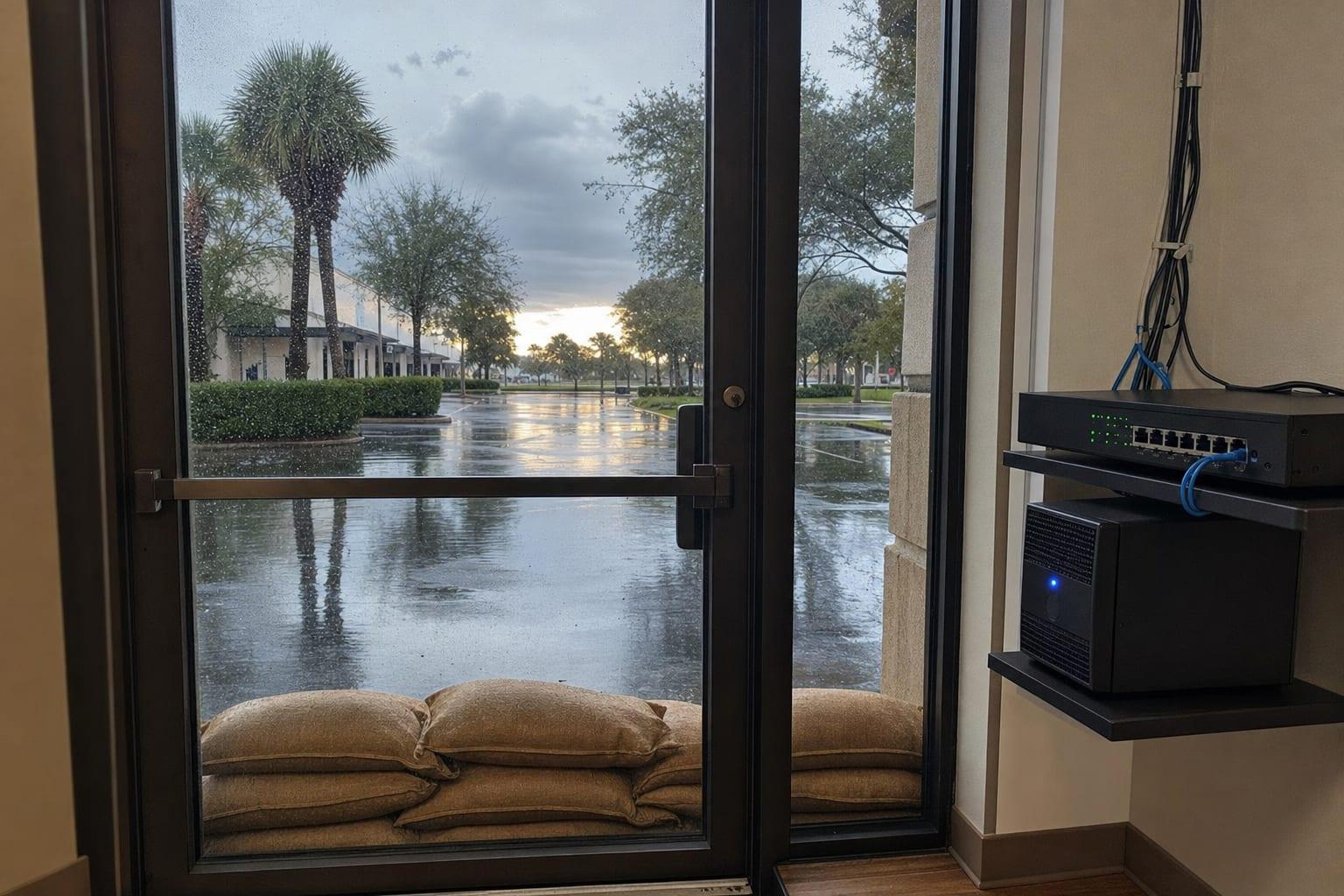
Here that closet is a risk, and not only in hurricane season. On April 12, 2023, the National Weather Service recorded 25.91 inches of rain at the airport in a single day. No hurricane was involved. A server on the floor of a flooded suite is a business with no files.
Moving to the cloud means your staff can open the same folders from home, from a hotel or from a borrowed desk in another county. Not every program can go. Some older accounting and practice software still wants a server, and a good plan says so up front.
What a Cloud Migration Involves
A migration is a sequence, and skipping a step is how files go missing. These are the pieces.
Inventory of What You Have
Every mailbox, shared folder, program and scanner destination is listed first. Surprises found now are cheap.
Email Migration
Mailboxes, calendars and contacts move to Microsoft 365 or Google Workspace, with old mail carried over.
File Server to Cloud Storage
Shared drives become SharePoint, OneDrive or Google Drive libraries, with the same people allowed in as before.
Line-of-Business Apps
Accounting, practice and industry software is checked for a hosted version. If none exists, a cloud server may fit.
Cutover Weekend
The switch happens on a Friday evening. Monday morning, staff sign in to the new system with a one-page guide.
Backup After the Move
Cloud data still needs its own backup. Deleted files and departed employees' mailboxes do not stay recoverable forever.

Cloud Migration Steps
Inventory
Mailboxes, folders, programs and devices that send scans are counted and sized.
Plan and Quote
You get a written sequence, a date and a custom price for the move.
Pilot Group
A handful of users move first and report what feels different.
Cutover
Everyone else moves after hours, and mail starts flowing to the new system.
Cleanup
Old shortcuts are removed, backups are confirmed and the server is retired on your say.
Why Choose Us for Cloud Migration?
Staged, Not Sudden
A few test users go first. Problems show up with three people, not thirty.
Honest About What Stays
If a program needs a local server, you hear that before paying for a move it cannot make.
Staff Get a Cheat Sheet
One page shows where the S drive went and how to sign in on Monday.
Nothing Deleted Early
The old server stays untouched until you confirm everything arrived.
Cloud Migration Cost
| Part of the Move | Price | Driven By |
|---|---|---|
| Email and calendars | Custom quote | Number of mailboxes and their size |
| Files and permissions | Custom quote | Amount of data and folder cleanup |
| Business software | Custom quote | Whether a hosted version exists |
The quote separates the one-time move from the monthly licenses you pay the cloud provider. Ask for both figures side by side with what the server costs you now.
Talk to a Fort Lauderdale Managed IT Team
Wondering whether the old server can finally go? Send the number of mailboxes and what software you run.
Call (754) 342-5143Get a Free Quote
No obligation.

Where We Provide This Service
Cloud Migration Questions
How long does a cloud migration take for a small office?
A small office cloud migration usually takes a few weeks from inventory to cutover, with the switch itself done over one weekend. The timeline grows with the amount of data, the number of mailboxes and any older software that needs its own plan.
Will staff lose email during the move?
Email keeps flowing during a properly planned migration. Old mail is copied in the background for days beforehand, then delivery is pointed to the new system after hours. Staff may need to sign in again on phones and laptops the next morning.
Is cloud storage safer than a server in the office during a hurricane?
Cloud storage keeps your files in data centers outside the storm's path, so a flooded or powerless office does not take the data with it. An office server can be protected too, but it needs off-site backups and a way to run without the building.
Do we still need backups after moving to Microsoft 365?
A separate backup is still worth having after a move to Microsoft 365. The service keeps deleted items for a limited time and protects its own systems, but it will not undo every mistake, departed-employee deletion or ransomware sync on your behalf.